Navigating the landscape of engineering software can be overwhelming. We break down the best software tools for mechanical engineering design, helping you choose the right digital arsenal for your projects.

Empower Your Engineering
Choosing the Right Toolkit
Mechanical engineering has evolved hand-in-hand with digital technology. Today, Computer-Aided Design (CAD) and Computer-Aided Engineering (CAE) tools are not just luxuries; they are fundamental necessities. The best software tools for mechanical engineering design allow for rapid iteration, precise visualization, and complex simulation before a physical part is ever made.
From the heavy hitters used in aerospace and automotive sectors to the agile, cloud-based platforms favored by startups, the options are vast. Some tools excel at surface modeling for aesthetic parts, while others are powerhouses for finite element analysis (FEA) and thermal simulations.
We have curated insights into the industry standards to help you understand which tools fit your workflow. Whether you are generating 2D technical drawings or running computational fluid dynamics (CFD), having the right software is the first step towards engineering excellence.
Enhanced Precision
Modern CAD tools eliminate manual errors, ensuring every dimension is accurate to the micron.
Simulation Capabilities
Test stress, heat, and fluid flow virtually, saving thousands in physical prototyping costs.
Collaboration
Cloud-enabled tools allow teams across the globe to work on the same model simultaneously.
Faster Time-to-Market
Integrated design and manufacturing workflows speed up the transition from screen to machine.
Our Services

R&D
Transforming ideas into groundbreaking solutions through advanced research, prototyping, and process optimization.

Product Development
From ideation to market-ready products, we design functional, visually appealing, and efficient products.
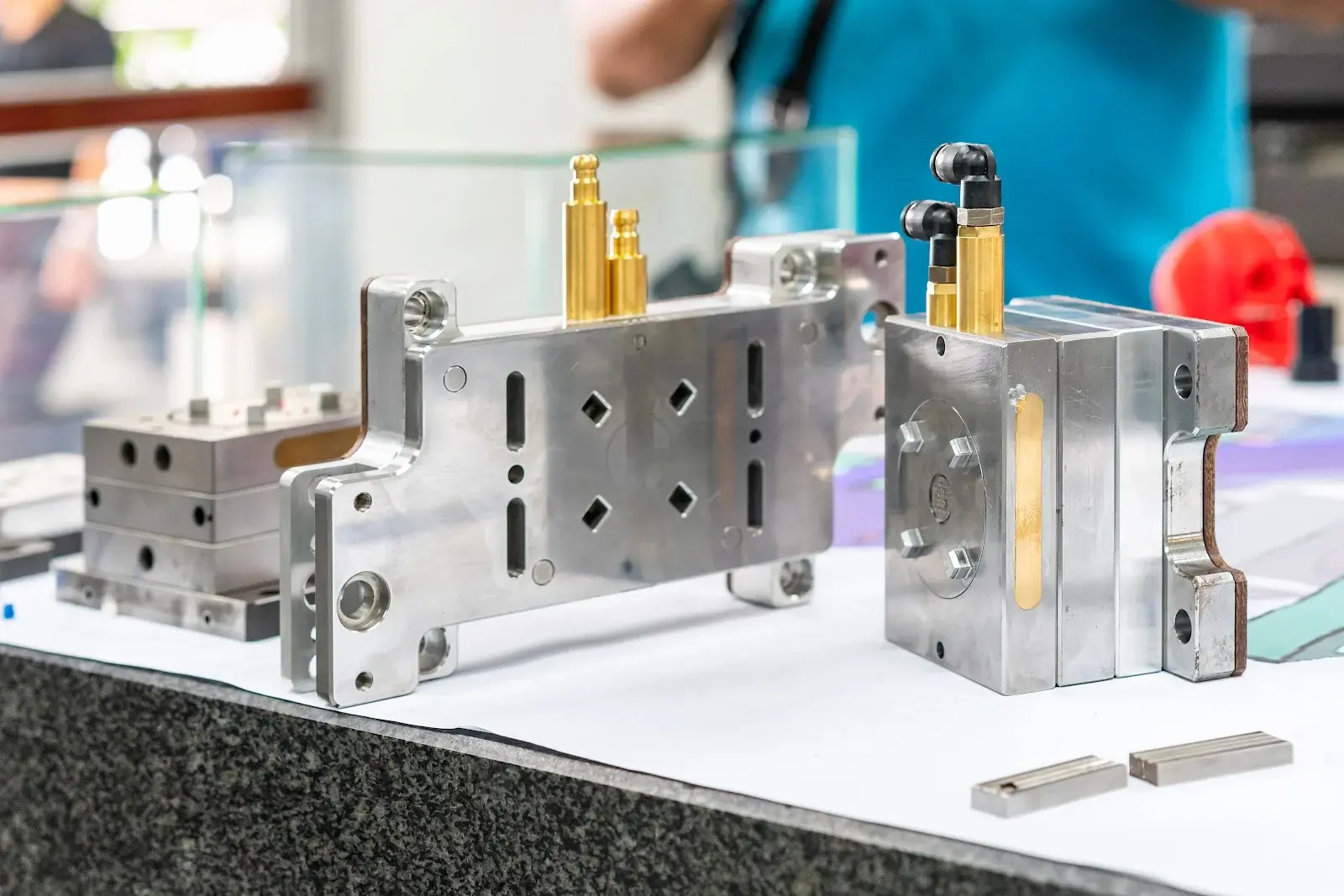
Injection Molds
Precision engineering for high-quality injection molded parts.
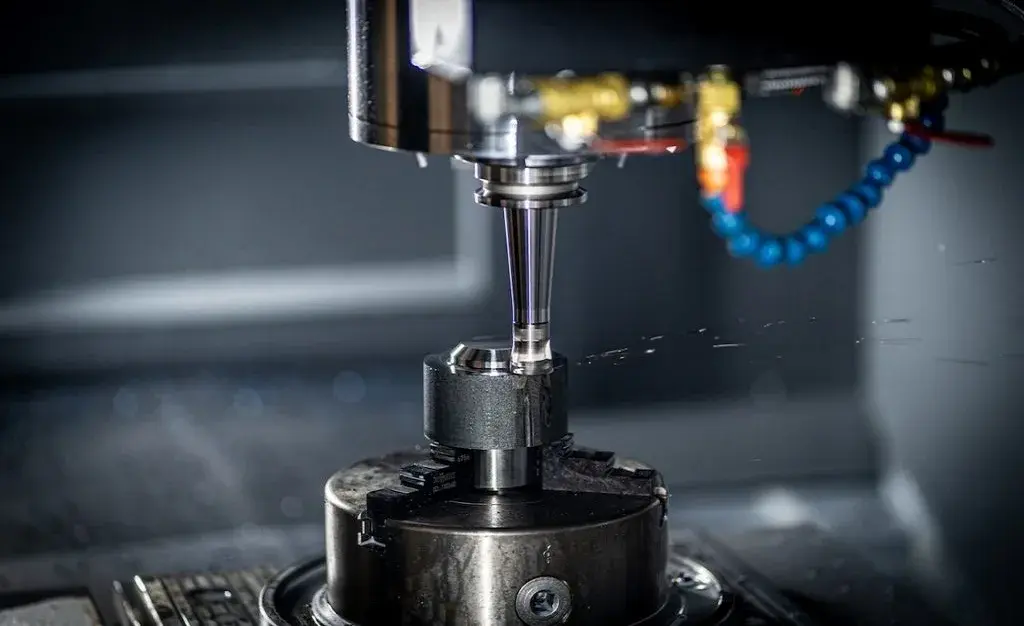
CNC Service
High-precision CNC machining services for complex parts.
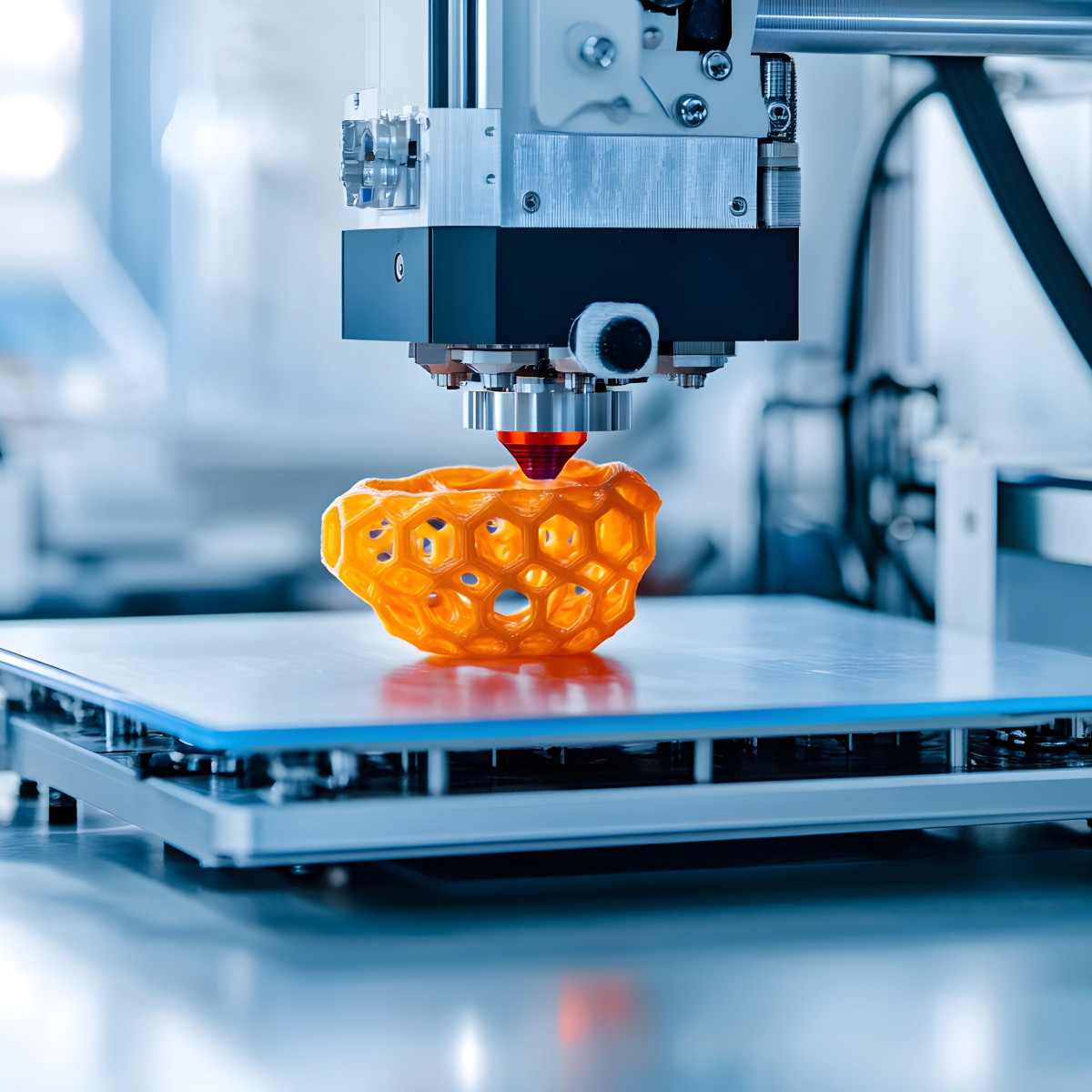
3D Printing
Advanced 3D printing technology for rapid prototyping and custom production.
Our Projects
Comprehensive solutions tailored to meet your needs with excellence and precision.
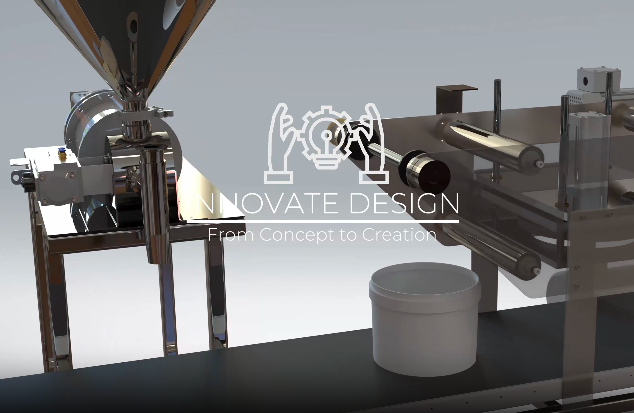
Project 1 - packaging machine
Driving innovation through research and development tailored to your needs.
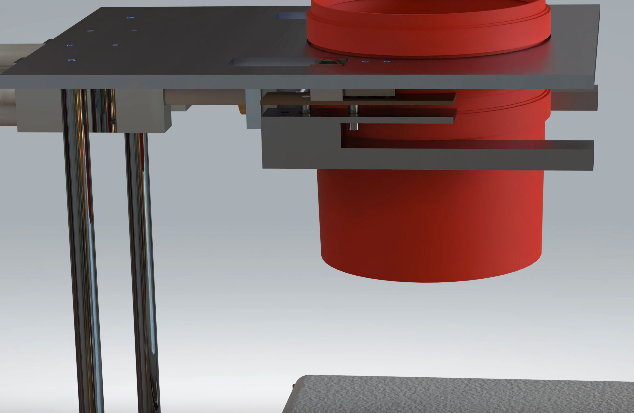
Project 2 - injection mold
Transforming ideas into tangible products with precision and expertise.
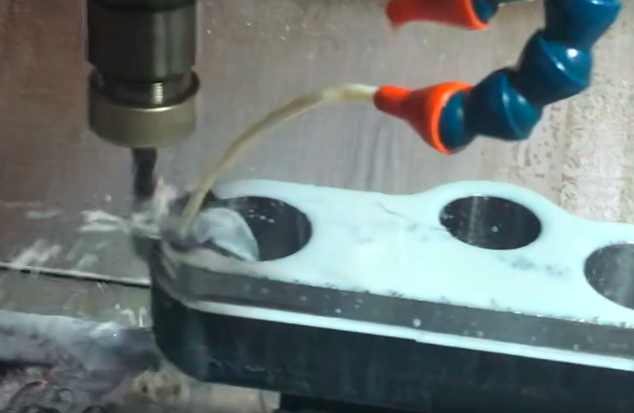

Project 3 - spare parts
Providing cutting-edge CNC machining solutions for high precision projects.
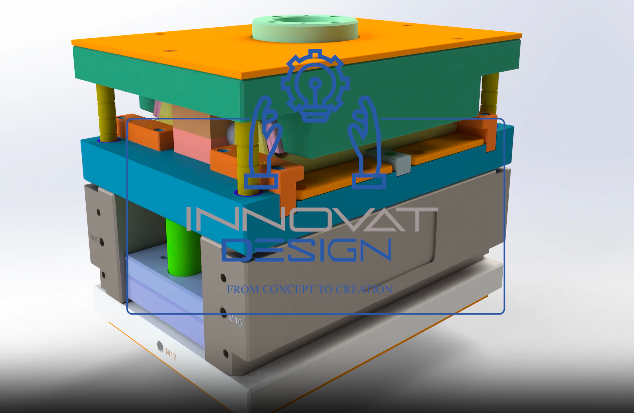

Project 4 - R&D
Designing and manufacturing high-quality injection molds for various applications.
Achievements
Expert Insights on Tools
We don't just use the tools; we master them to deliver optimal results.
Vendor Agnostic
Unbiased Advice
We evaluate software based on performance and suitability, not brand loyalty.
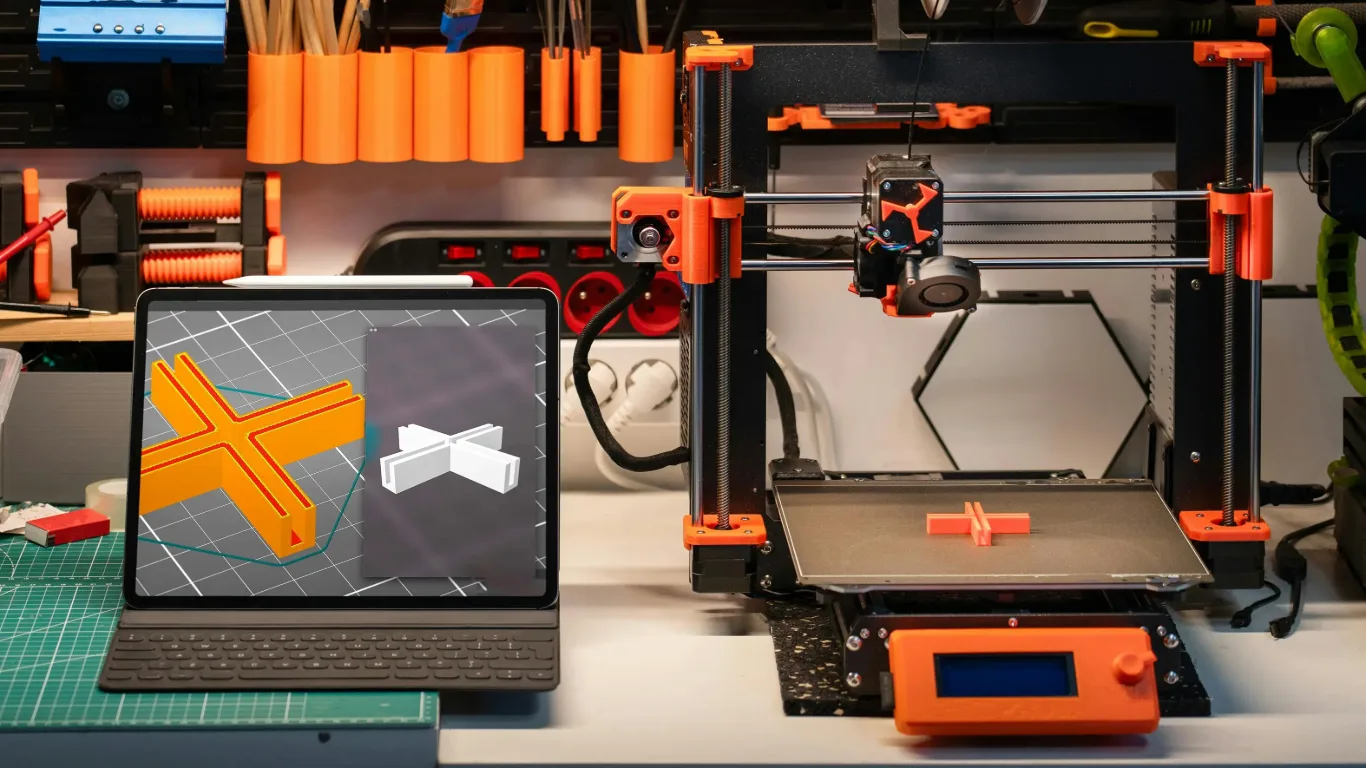
Latest Tech
Staying Ahead
We stay updated with the newest updates and features in the CAD/CAM world.
Integration Focus
Seamless Workflow
We understand how different tools connect, from design to PLM to manufacturing.
Consult on Engineering Software
Get Expert AdviceSoftware Selection Process
How to identify the best tool for your specific engineering needs.
Needs Assessment
Determine if you need parametric modeling, direct modeling, or simulation.
Budget & Licensing
Evaluate cost of ownership, including subscriptions and hardware requirements.
Trial & Testing
Hands-on evaluation of the user interface and feature set.
Integration Check
Ensuring the new software plays well with your existing data and systems.
Trusted by
Hundreds of global companies to bring products to life






Frequently Asked Questions
Everything you need to know about our services. Can’t find the answer you’re looking for? Feel free to contact us.
Get in Touch
Have questions or want to discuss a project? We love to hear from you. Fill out the form below and we ll get back to you within 24 hours.
Phone
+972598486982Monday - Saturday:8:00 AM to 6:00 PM
Sunday:Closed